








Feature

Every video looks like yours.

Type in your website and the app makes a Look from it: your colours, captions and frame. Use it on every video, so they all match.

  • Free plan
  • No watermark
  • macOS 15 or later
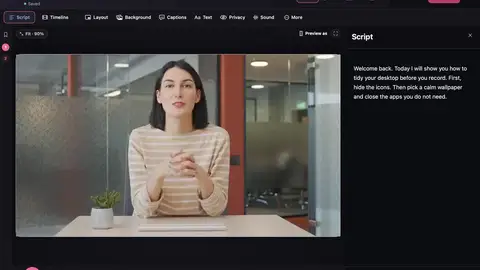
Create from my website: a look made from a demo site, with its colours, font, and opening and closing clips.

The problem

Every video should look like yours.

  1. Every video styled a different way

    One Look for all of them

  2. Setting up your colours by hand

    Type in your website and it’s made for you

  3. No logo on your videos

    Your logo, intros and endings, with Pro

Watch it in action

Brand kits

0:32 · A walkthrough of the real app

Read the transcript

Making videos for clients? Here's how brand kits work. A look can carry a whole brand: a logo, a colour, a font, a label, and an opening or closing clip. The quickest way to start is Create from my website. Type the web address. The app reads the colours and the logo for you. Check them, pick an opening and a closing, and save it as a look. Now every video for that client is on brand, with one click. Brand kits come with Pro.

Explore all video tutorials →

Your brand in every video

Create from my website

The app opens your website the way a browser does and picks up its colours, logo and fonts.

Looks

Save colours, captions, background and layout as one Look, and use it again in one click.

Opening and closing clips (Pro)

Six animated designs that fit every video shape. Or use your own picture or video.

Your logo on videos (Pro)

Put your logo on every video.

Your own fonts (Pro)

Use the fonts your brand already uses.

Brand kits for clients (Pro)

Keep a separate kit for each client, and switch between them.

What it reads

Create from my website only visits the website you type in, like a browser would. Nothing about your videos is sent. If the site can’t be read, you pick the colours yourself.

In the app

Questions

Is Create from my website free?

Yes. The Look (colours, captions and frame) is free. Your logo on videos, opening and closing clips and your own fonts come with Pro.

Make your next video on your Mac.

  • Free to startRecord, edit and save a finished video on the free plan.
  • No watermarkNot even on the free plan.
  • Stays on your MacYour projects and recordings are saved on your Mac.

Requires macOS 15 or later.