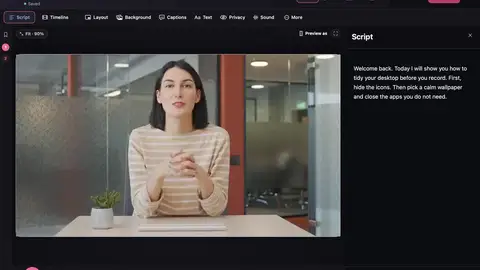











Best take uses the time of every word from speech recognition, plus how loud and clear each sentence is. It’s careful matching, not guessing.
Say it in my voice uses Apple’s Personal Voice, which you make yourself in System Settings → Accessibility by reading some sentences out loud (about 15 minutes). Your Mac makes the voice and keeps it on your Mac. Make It a Video only uses it with your permission, then matches the new line to the volume, tone and background sound of your recording.
Make it shorter ranks your sentences by how much each one matters. On Macs with Apple Intelligence it uses Apple’s on-device language model. Without it, it uses a simpler scorer that also works offline.


