









Titles, transitions and templates
0:39 · A walkthrough of the real app
Read the transcript
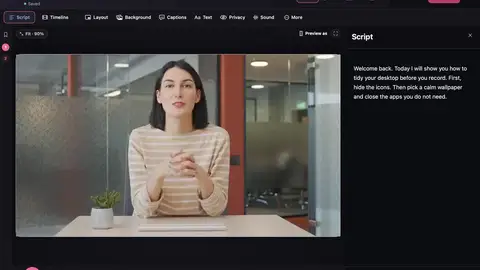
Here's how to give your video a finished feel, with titles, transitions and templates. To add a title, move the playhead, open Text, and choose Add graphic. Pick a style, then type your words. Titles use your look's accent colour, so they always match. For transitions, click the small plus where two clips meet, and choose one. Or use it at every cut. And with Pro, start from a template. It sets up your shape, look, captions, titles and chapters, before you even record. Your video, finished in minutes.
